When deciding on which desktop monitor you intend running your 3D CAD program on, there are quite a few things you need to consider.
Some key considerations worthy of mention include the price of the monitor, its resolution, ergonomics, connections, color precision and the size of the screen.
Does the desktop monitor size really matter?
While your work space is important when choosing a monitor to work with, its resolution is equally vital.
At this point in time, a Wide-Quad High Definition or WQHD monitor offers the best possible resolution. There is also the 4K otherwise known as Ultra-High Definition (UHD) which is a widely used monitor.
When it comes to running and working on your high-resolution 3D CAD files, the size of your desktop monitor becomes really important.
If the 2D or 3D CAD images you intend working on are very well detailed, you will not only require a monitor with a very good resolution like UHD, but also one of a decent enough size.
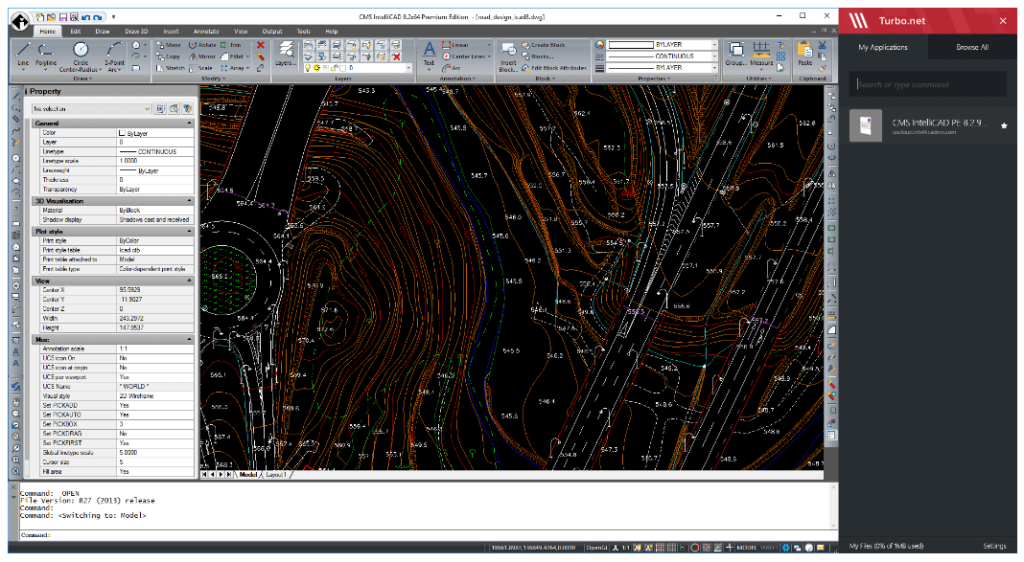
The ideal Monitor Screen size
While WQHD monitors offer a 2,560 x 1,440-pixel ratio, the resolution for UHD monitors is 3,840 x 2,160 pixels. Obviously, WQHD has a better resolution than UHD, but this type of monitor costs more. On the other hand, UHD offers 4x the pixels of a typical 1,080P desktop monitor.
Whether you decide to spend more money getting a WQHD or you decide to stick with a less expensive UHD monitor, you should purchase a monitor ranging from 27 inches to 32 inches in size.
If you get a 29 inches monitor, you will be able to achieve a 21:9 aspect ratio which is great if you want to fully optimize the qualities of your 3D CAD program like CMS IntelliCAD.
 CAD Software